Private dictation that never stores your audio
Last updated 2026-11-01 · by Venu Gopal Reddy Muvva, founder
DictationDesk is built to keep dictation private: audio is processed in memory and never stored, your text is not kept on our servers unless you turn on cloud history (off by default), the app never takes screenshots of your screen, and offline mode keeps everything on your PC.
The problem
Dictation apps hear everything you write: client emails, contracts, health notes. Some have taken screenshots of the screen for context or saved audio to disk by default.
How to do it with DictationDesk
- Create your account. Only your name, email and password (or Google) are needed.
- Leave cloud history off. It is off by default. Turning it off later deletes what was stored.
- Choose offline only if you want. In the app's settings, offline mode keeps audio and text on your PC.
- Dictate as usual. In cloud mode, audio goes to our own servers in Bengaluru, is turned into text in memory and discarded.
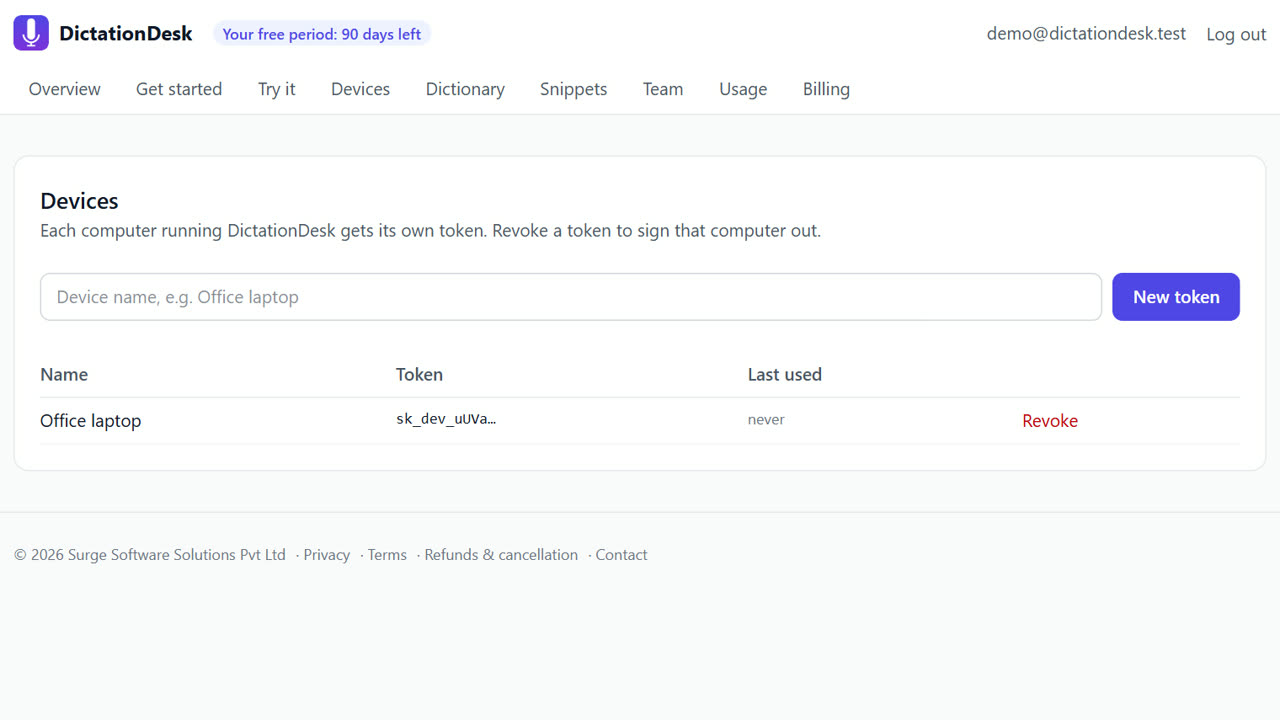
- Check your dashboard. Usage shows counts and cost per action, never your words.
Tips
- The app reads only the focused app's name (for example outlook.exe) to choose formatting.
- The local history on your PC (last 500) can be turned off in settings.
- If our servers are down, a fallback provider may be used for AI clean-up (Anthropic); offline mode avoids that.
When DictationDesk is not the right tool
DictationDesk has no signed data-processing agreement, SOC 2 report or on-premise server option yet. If your organisation requires those, check with us first or use offline mode only.
Questions
Where is my audio processed?
On our own servers in Bengaluru, in memory, then discarded. Offline mode processes it on your PC.
Do you train AI on my dictation?
No. Nothing is stored to train on.
Where is the full policy?
Surge Software's privacy policy at surgesoftware.co.in/privacy, and how this app applies it on our docs page.
Where things stand: the DictationDesk Windows app is in private testing and not downloadable yet. Today you can create your account, set up your dictionary, snippets and team, and try the AI clean-up in your browser. We email you when the app is ready. macOS and phone keyboards are planned, with no date yet.
Price: free for your first 3 months, with everything unlocked. After that you pay only for what you use, at our cost with no markup: about ₹2.20 per hour of cloud audio and ₹0.02 per AI clean-up (our estimates). Offline dictation is ₹0. No card needed to start.
Related: Offline speech to text on Windows · A shared dictionary for team dictation · DictationDesk vs Wispr Flow · Pricing