Dictation for developers: comments, commits and chat
Last updated 2026-11-01 · by Venu Gopal Reddy Muvva, founder
Developers can dictate in VS Code, a terminal or any editor on Windows with DictationDesk: hold Ctrl+Win, speak, release. In code editors it keeps identifiers and symbols exactly, and spoken commands like “camel case user name” become userName and “snake case retry count” becomes retry_count.
The problem
Writing good comments, commit messages and pull-request descriptions takes typing time you would rather spend on code. General dictation tools mangle identifiers, add sentence capitals to variable names and spell framework names wrong.
How to do it with DictationDesk
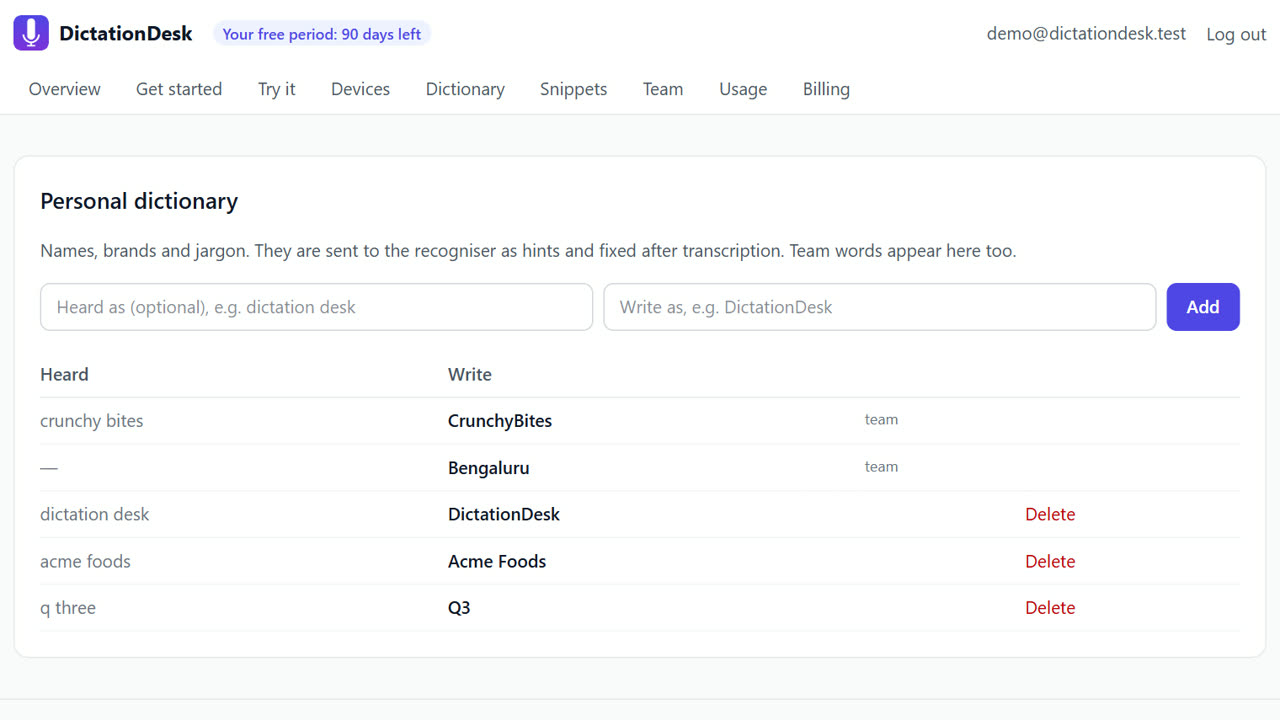
- Create your account. Sign up free, then add your stack's words to the dictionary: framework names, service names, acronyms.
- Connect the Windows app. Paste a device token from Devices into the app.
- Put your cursor in the editor. VS Code, a terminal, or the commit message box in your Git tool.
- Hold Ctrl+Win and say it. For example: “add a comment that says this function retries the request three times, no wait, five times before it gives up”.
- Release. The comment text appears with the correction applied. Casing words like “camel case” and “snake case” and symbols like “open paren” and “equals” are turned into code.
Tips
- Dictate commit messages in full sentences; the cleaner fixes punctuation.
- Select a rough paragraph of a README and use command mode: “turn this into bullet points”.
- Offline mode keeps proprietary code talk on your machine.
When DictationDesk is not the right tool
DictationDesk is not a voice coding tool that writes code from a description, and it does not navigate your editor by voice. If you need full hands-free programming, use a dedicated voice-coding system; DictationDesk is for the prose around your code.
Questions
Which editors work?
Any Windows app with a text box: VS Code, JetBrains IDEs, Notepad++, terminals and browser editors.
How does it know I'm in a code editor?
It reads the process name of the focused app (for example Code.exe) and switches to code formatting.
Can my team share the jargon list?
Yes. Teams share one dictionary and snippet list, free for up to 50 members during the free period.
Where things stand: the DictationDesk Windows app is in private testing and not downloadable yet. Today you can create your account, set up your dictionary, snippets and team, and try the AI clean-up in your browser. We email you when the app is ready. macOS and phone keyboards are planned, with no date yet.
Price: free for your first 3 months, with everything unlocked. After that you pay only for what you use, at our cost with no markup: about ₹2.20 per hour of cloud audio and ₹0.02 per AI clean-up (our estimates). Offline dictation is ₹0. No card needed to start.
Related: Rewrite selected text by voice (command mode) · A shared dictionary for team dictation · DictationDesk vs Wispr Flow · Pricing