Dictate documents and reports in Word
Last updated 2026-11-01 · by Venu Gopal Reddy Muvva, founder
To dictate a document in Microsoft Word with DictationDesk, click where the text should go, hold Ctrl+Win, speak a paragraph and release. In documents it writes clear sentences with correct punctuation; say “new paragraph” to break, and use command mode to rewrite a selected section.
The problem
First drafts are where typing slows you most: you know what you want to say, but getting it onto the page takes an hour. Dictating a draft is faster, if the text comes out clean enough to edit.
How to do it with DictationDesk
- Create your account. Sign up free and add document vocabulary (project names, acronyms) to your dictionary.
- Connect the Windows app. Paste a device token from Devices into the app.
- Open your document. Word, Google Docs in your browser, or any editor. Click where the next paragraph goes.
- Dictate a paragraph at a time. Hold Ctrl+Win, say the paragraph, release. Say “new paragraph” between sections.
- Edit by voice. Select a rough section, hold Ctrl+Win+Alt and say “make this more concise” or “turn this into bullet points”.
Tips
- Dictate the draft first, edit later; it is faster than stopping to fix each line.
- Each dictation can be up to about 5 minutes of audio.
- Turn on cloud history if you want past dictations in your dashboard (off by default).
When DictationDesk is not the right tool
DictationDesk does not format headings, tables or styles in Word, and it does not transcribe recordings or meetings. If you need to turn an audio file into a transcript, use a transcription service.
Questions
Does it work in Google Docs?
Yes, any text box in your browser.
How long can one dictation be?
Up to about 5 minutes of audio per dictation in the cloud.
Can it translate my text?
Command mode can rewrite selected text by instruction; speak-another-language-get-English is switched off for now.
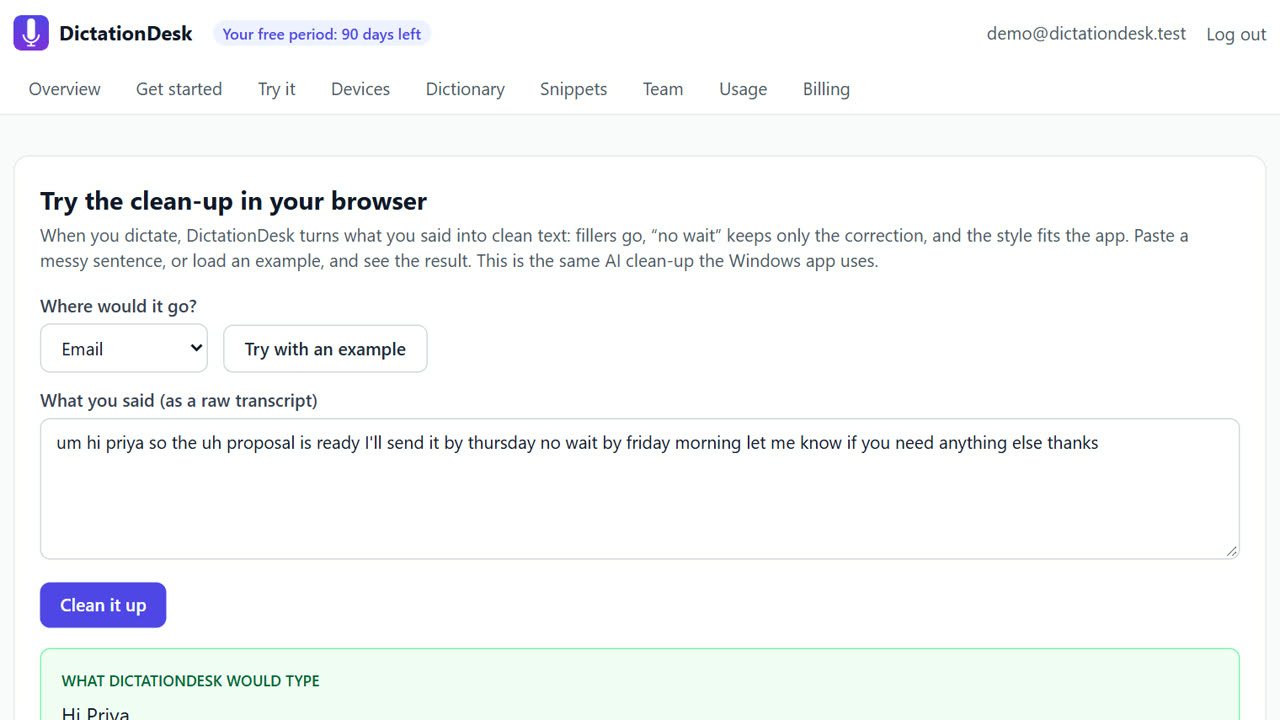
Where things stand: the DictationDesk Windows app is in private testing and not downloadable yet. Today you can create your account, set up your dictionary, snippets and team, and try the AI clean-up in your browser. We email you when the app is ready. macOS and phone keyboards are planned, with no date yet.
Price: free for your first 3 months, with everything unlocked. After that you pay only for what you use, at our cost with no markup: about ₹2.20 per hour of cloud audio and ₹0.02 per AI clean-up (our estimates). Offline dictation is ₹0. No card needed to start.
Related: Dictate emails in Outlook and Gmail · Rewrite selected text by voice (command mode) · DictationDesk vs Wispr Flow · Pricing