Lightweight dictation for older or busy PCs
Last updated 2026-11-01 · by Venu Gopal Reddy Muvva, founder
DictationDesk is a lightweight dictation app for Windows: built in Rust on the system WebView, it used 12.8 MB of memory idle in the Windows 11 tray in our measurement. Popular Electron-based dictation apps are reported at hundreds of megabytes, which matters on an 8 GB laptop full of browser tabs.
The problem
Older and budget laptops struggle when every always-on app takes hundreds of megabytes. A dictation app sits in the tray all day, so its idle memory counts.
How to do it with DictationDesk
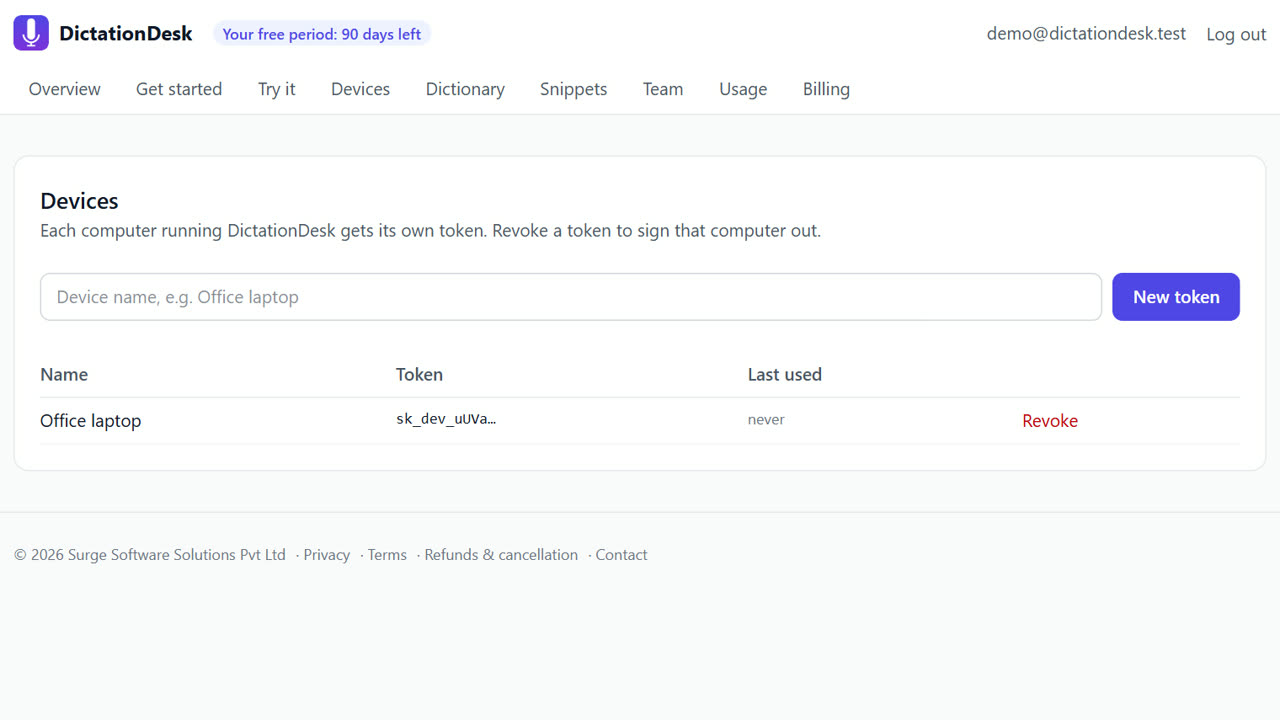
- Create your account. Free; add your words to the dictionary.
- Install and connect. Paste a device token into the app. It starts in the tray.
- Check Task Manager. Idle in the tray, the app uses roughly 13 MB. The offline model is loaded only while transcribing.
- Dictate. Hold Ctrl+Win, speak, release. Cloud mode keeps the heavy work on our GPU server.
- Pick the right offline model. On a slow CPU, use the smaller offline model or cloud mode for speed.
Tips
- Cloud mode is fastest on old CPUs; offline is best on newer ones.
- No browser extension is needed.
- Close the app from the tray when you don't need it; settings are kept.
When DictationDesk is not the right tool
If your PC is offline most of the time and very slow, offline transcription will be slow; cloud mode needs internet. And on a Mac, DictationDesk is not available yet.
Questions
How was the 13 MB measured?
Working set of the tray app idle on Windows 11, measured by our end-to-end test script (12.7–12.8 MB).
Does it use the GPU?
Not on your PC. Cloud speech runs on our GPU server.
Does it run at start-up?
It lives in the tray once started.
Where things stand: the DictationDesk Windows app is in private testing and not downloadable yet. Today you can create your account, set up your dictionary, snippets and team, and try the AI clean-up in your browser. We email you when the app is ready. macOS and phone keyboards are planned, with no date yet.
Price: free for your first 3 months, with everything unlocked. After that you pay only for what you use, at our cost with no markup: about ₹2.20 per hour of cloud audio and ₹0.02 per AI clean-up (our estimates). Offline dictation is ₹0. No card needed to start.
Related: Offline speech to text on Windows · A Windows Voice Typing (Win+H) alternative · DictationDesk vs Wispr Flow · Pricing