Voice typing for Slack and Microsoft Teams
Last updated 2026-11-01 · by Venu Gopal Reddy Muvva, founder
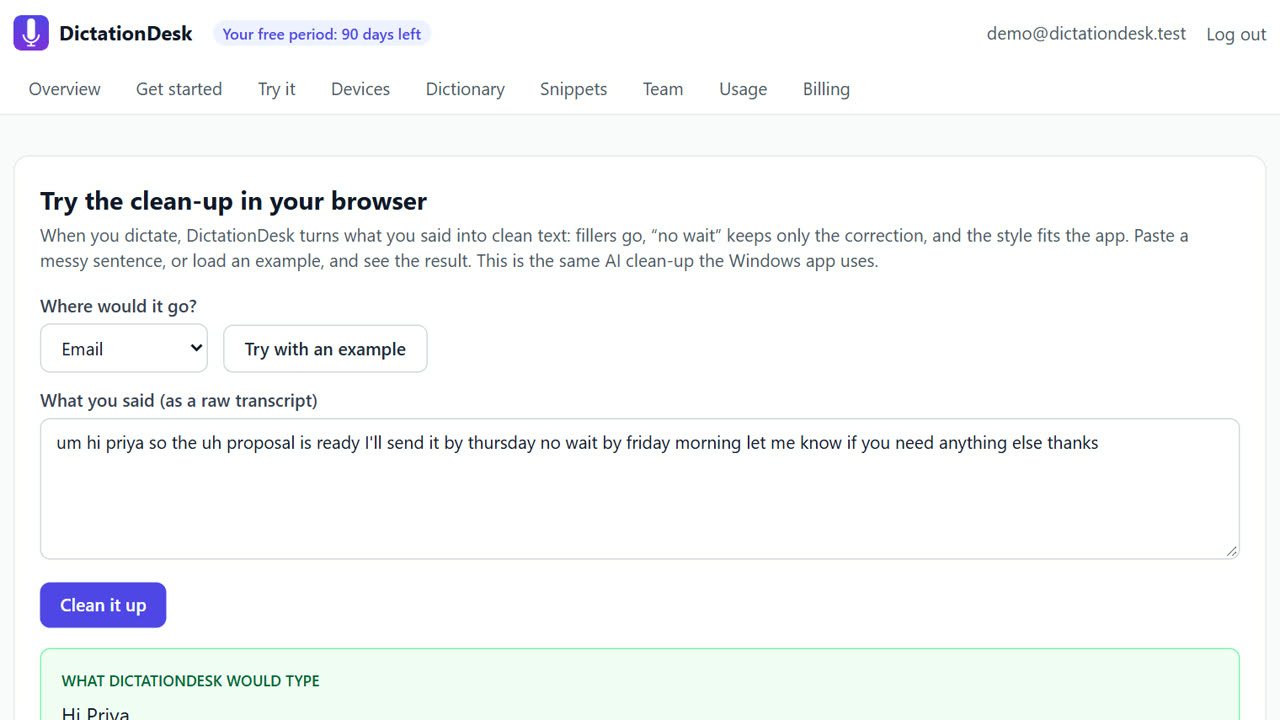
For voice typing in Slack or Microsoft Teams on Windows, click the message box, hold Ctrl+Win, say your message and release. DictationDesk sees you are in a chat app, so it keeps the message casual, removes fillers and drops the final full stop the way people write in chat.
The problem
Chat is constant and quick, and typing every reply pulls you out of what you were doing. Dictation tools usually format chat like a formal letter, with capital letters and full stops everywhere, which reads oddly in Slack.
How to do it with DictationDesk
- Create your account. Sign up free, and add team names and channel jargon to your dictionary.
- Connect the Windows app. Paste a device token from Devices into the app. It starts in the tray.
- Click the message box. In Slack or Teams (desktop app or browser), click where you type a message.
- Hold Ctrl+Win and talk. Say: “hey so the build is failing again on main, can you check the test logs when you get a sec”.
- Release and send. The message appears without the fillers and without a trailing full stop. Read it, press Enter.
Tips
- Hold Ctrl+Win only while you speak; pressing another key while holding cancels the dictation.
- For a longer update, say “new line” between points.
- Use a snippet for links you share often, such as your calendar link.
When DictationDesk is not the right tool
If you need live captions of a Teams call or meeting notes, DictationDesk is the wrong tool: it types what you say into a text box, it does not listen to calls. Use a meeting-notes tool for that.
Questions
Does it send the message for me?
No. It types the text; you press Enter. Nothing is sent without you.
Does it work in WhatsApp Web?
Yes. Any text box in your browser works.
Does it read my chats?
No. It only reads the name of the app in focus (for example slack.exe) to choose formatting. No screenshots.
Where things stand: the DictationDesk Windows app is in private testing and not downloadable yet. Today you can create your account, set up your dictionary, snippets and team, and try the AI clean-up in your browser. We email you when the app is ready. macOS and phone keyboards are planned, with no date yet.
Price: free for your first 3 months, with everything unlocked. After that you pay only for what you use, at our cost with no markup: about ₹2.20 per hour of cloud audio and ₹0.02 per AI clean-up (our estimates). Offline dictation is ₹0. No card needed to start.
Related: Dictate emails in Outlook and Gmail · Remove filler words from dictation automatically · DictationDesk vs Wispr Flow · Pricing