Type less when your wrists need a break
Last updated 2026-11-01 · by Venu Gopal Reddy Muvva, founder
If typing all day leaves your wrists or hands sore, dictation lets you write with your voice instead: with DictationDesk on Windows you hold Ctrl+Win, speak, and clean text is typed in any app. It is not medical advice or treatment, but it can cut the hours you spend typing.
The problem
Long days of email and documents mean thousands of keystrokes. Built-in voice typing needs so much fixing afterwards that you end up typing anyway.
How to do it with DictationDesk
- Create your account. Sign up free and add the words you use often to your dictionary.
- Connect the Windows app. Paste a device token from Devices into the app.
- Pick a comfortable hotkey. Ctrl+Win is the default. In the app's settings you can choose another chord, or turn off hold-to-talk so one press starts and a second press stops.
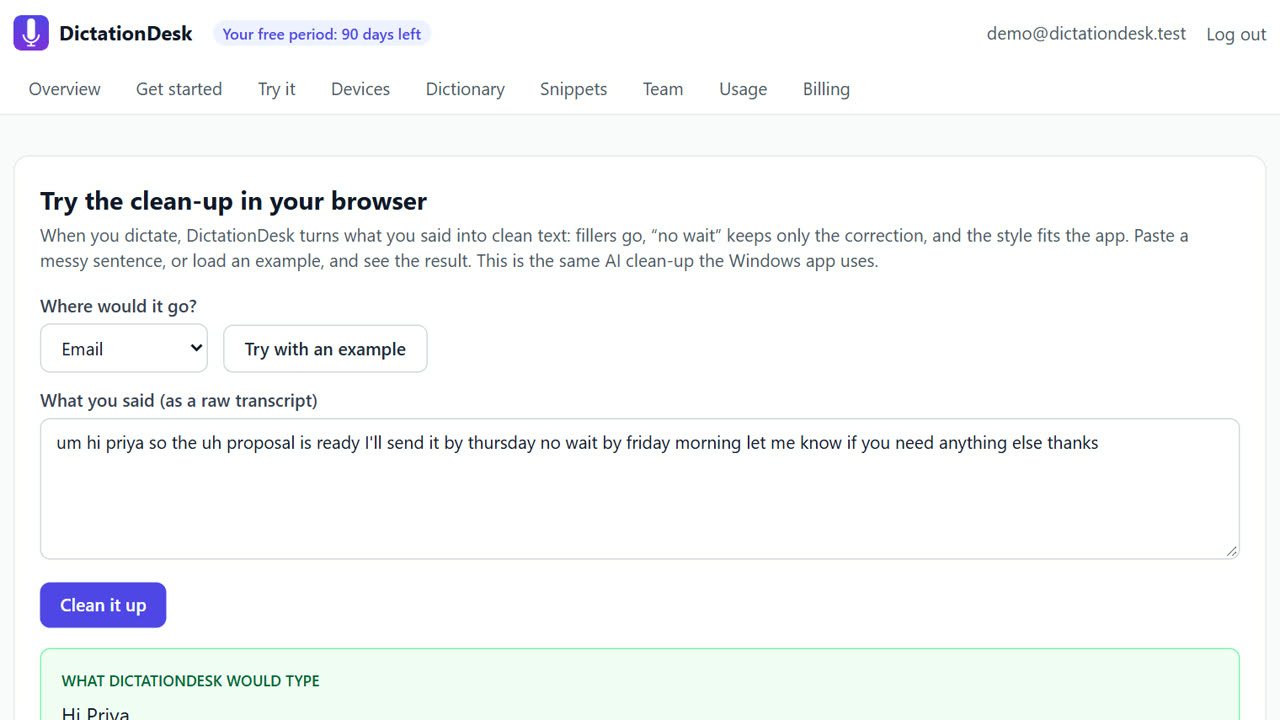
- Speak your writing. Emails, chat and documents: say them, and the clean-up removes fillers and fixes punctuation so there is less to correct.
- Edit by voice too. Select text and use command mode (Ctrl+Win+Alt): “shorter”, “more formal”, “bullet points”.
Tips
- Turn off hold-to-talk if holding keys is uncomfortable.
- Snippets save whole paragraphs you type often.
- Speak in full thoughts; short bursts give the clean-up less to work with.
When DictationDesk is not the right tool
DictationDesk still needs a keyboard or mouse to move around and click; it is not full hands-free computer control. If you need to control your whole computer by voice, use Windows Voice Access or a dedicated accessibility tool, and talk to a doctor about pain.
Questions
Is this medical advice?
No. It is a dictation app. For pain, please see a doctor or physiotherapist.
Can I avoid holding keys down?
Yes. Turn off hold-to-talk in settings: press once to start, again to stop.
Does it work in every app?
Any Windows app with a text box.
Where things stand: the DictationDesk Windows app is in private testing and not downloadable yet. Today you can create your account, set up your dictionary, snippets and team, and try the AI clean-up in your browser. We email you when the app is ready. macOS and phone keyboards are planned, with no date yet.
Price: free for your first 3 months, with everything unlocked. After that you pay only for what you use, at our cost with no markup: about ₹2.20 per hour of cloud audio and ₹0.02 per AI clean-up (our estimates). Offline dictation is ₹0. No card needed to start.
Related: A Windows Voice Typing (Win+H) alternative · Rewrite selected text by voice (command mode) · DictationDesk vs Wispr Flow · Pricing